
AI anime video
AI Anime Video Generator: Fights, Cartoons, From One Photo
An AI anime video generator puts your face in the action. The most-searched shape is the anime fight: a power-up, a clash, then one punch that ends it. Searches like anime fight AI and ai anime video generator are people who want to be in the scene, not watch someone else in it. Pick a card below, add one photo, and tap once.
The anime fight arc in four beats. Your photo becomes the fighter. Cel shading, motion lines, and a clean finish.
AI anime and cartoon trends starring you
These are the catalog looks that read as anime, cartoon, or 3D toy energy. Each one takes a photo of you, a friend, or a pet and turns it into a short vertical clip. No editing app and no prompt to write.
Funny
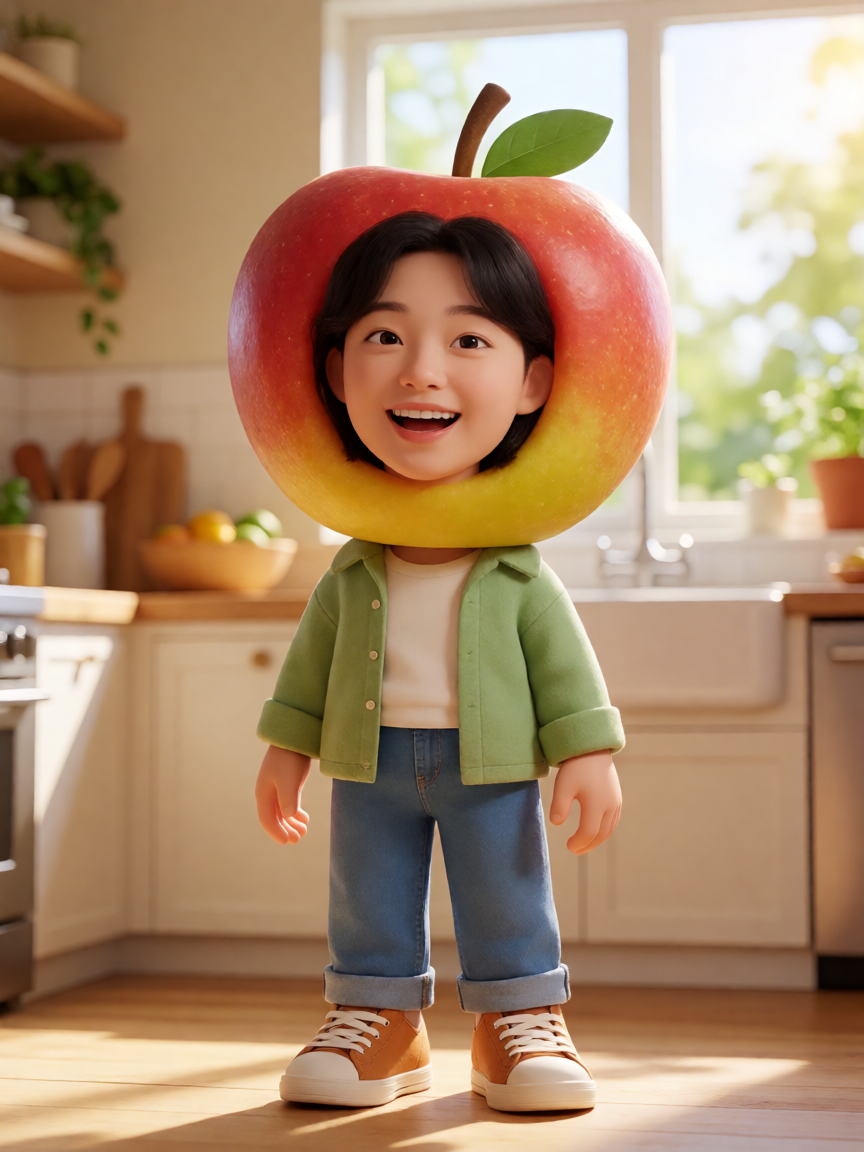
AI Fruit Story
You become a 3D fruit person who still has your eyes, hair, and clothes, in a short silly glow-up.
1 photo in · video out
Make yours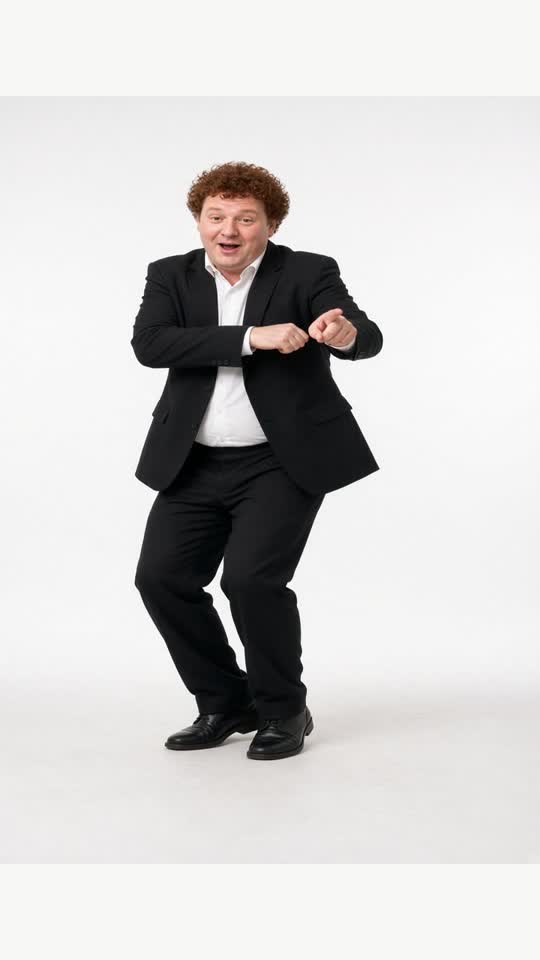
Dance
Gangnam Style
The invisible-horse arm trot from one photo, on an original beat.
1 photo in · video out
Make yours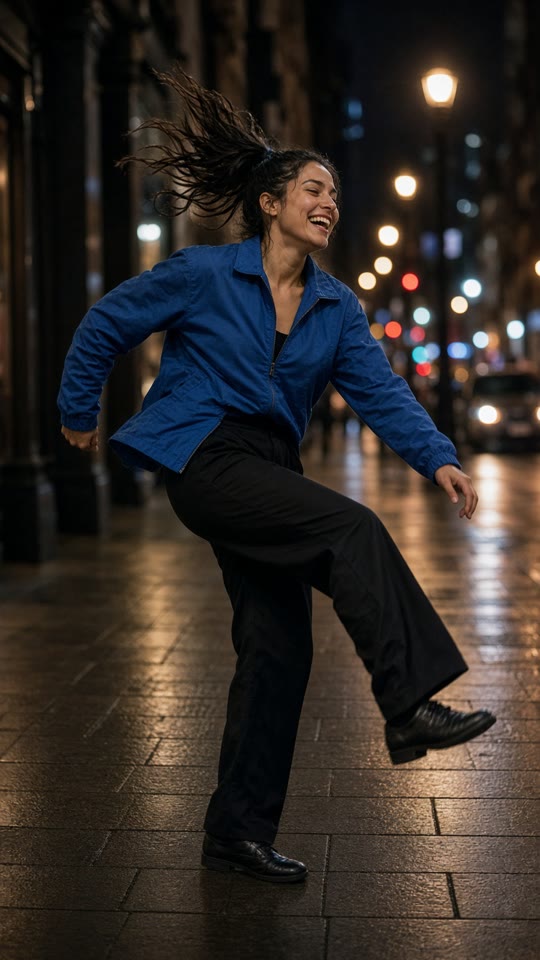
Dance
AI Dance
One photo starts dancing. Street, club, or your pet: a short image to video.
1 photo in · video out
Make yours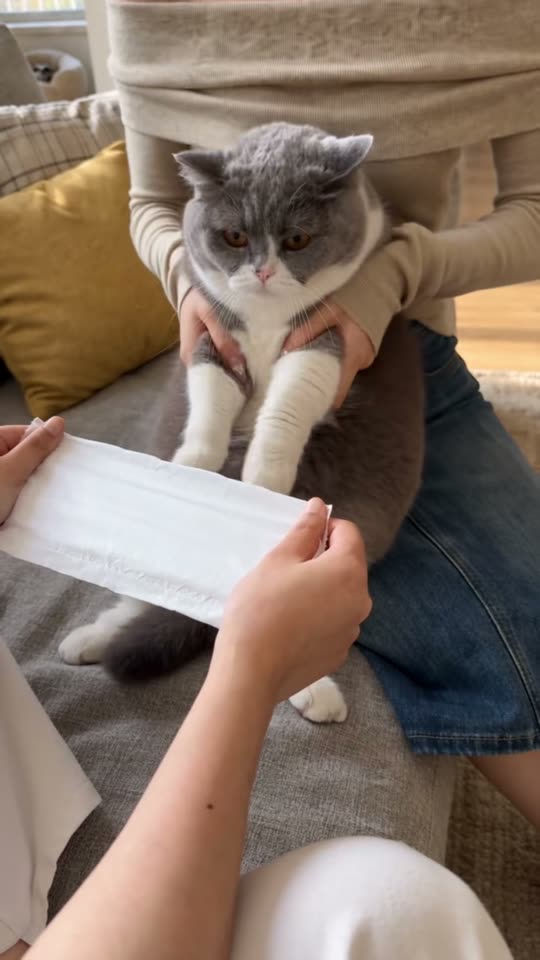
Funny
Kung Fu Cat
One photo of your cat or dog. It sits up on your lap, throws kung fu blocks and a high kick, and chops a paper tissue in half twice — the October 2026 pet trend.
1 photo in · video out
Make yours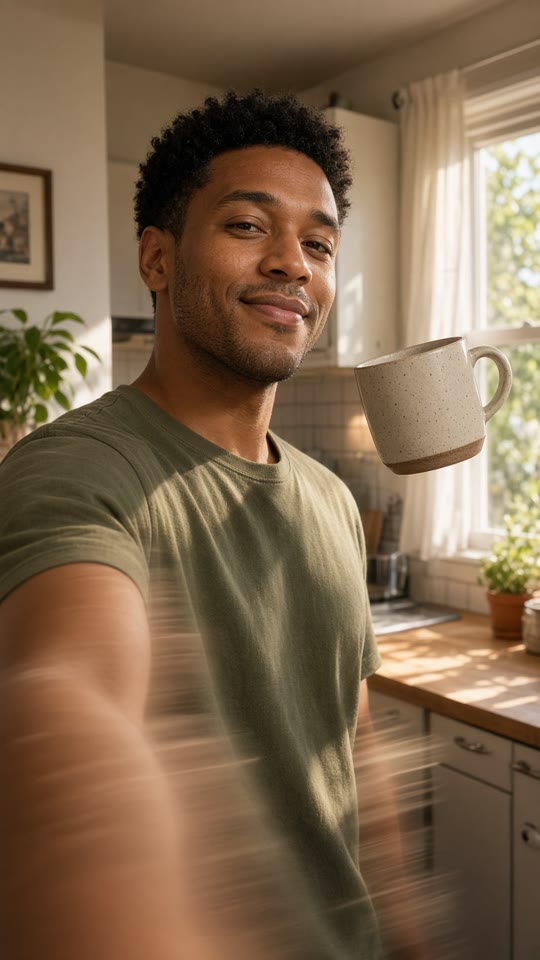
Funny
POV: AI Videos Be Like
A photo to video joke: the mug floats and the dance glitches.
1 photo in · video out
Make yours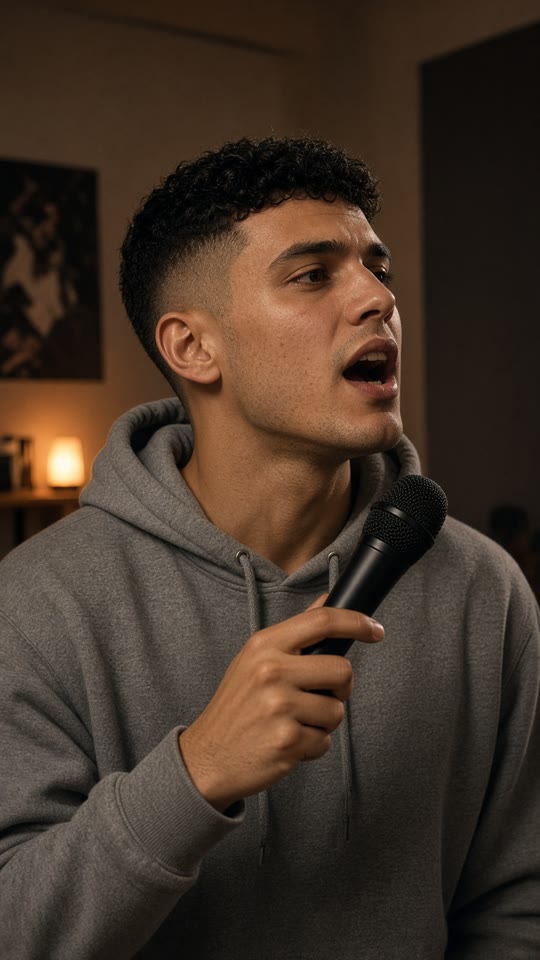
Funny
AI Freestyle Rap
An original verse, no famous lyrics. A pet can take the mic too.
1 photo in · video out
Make yours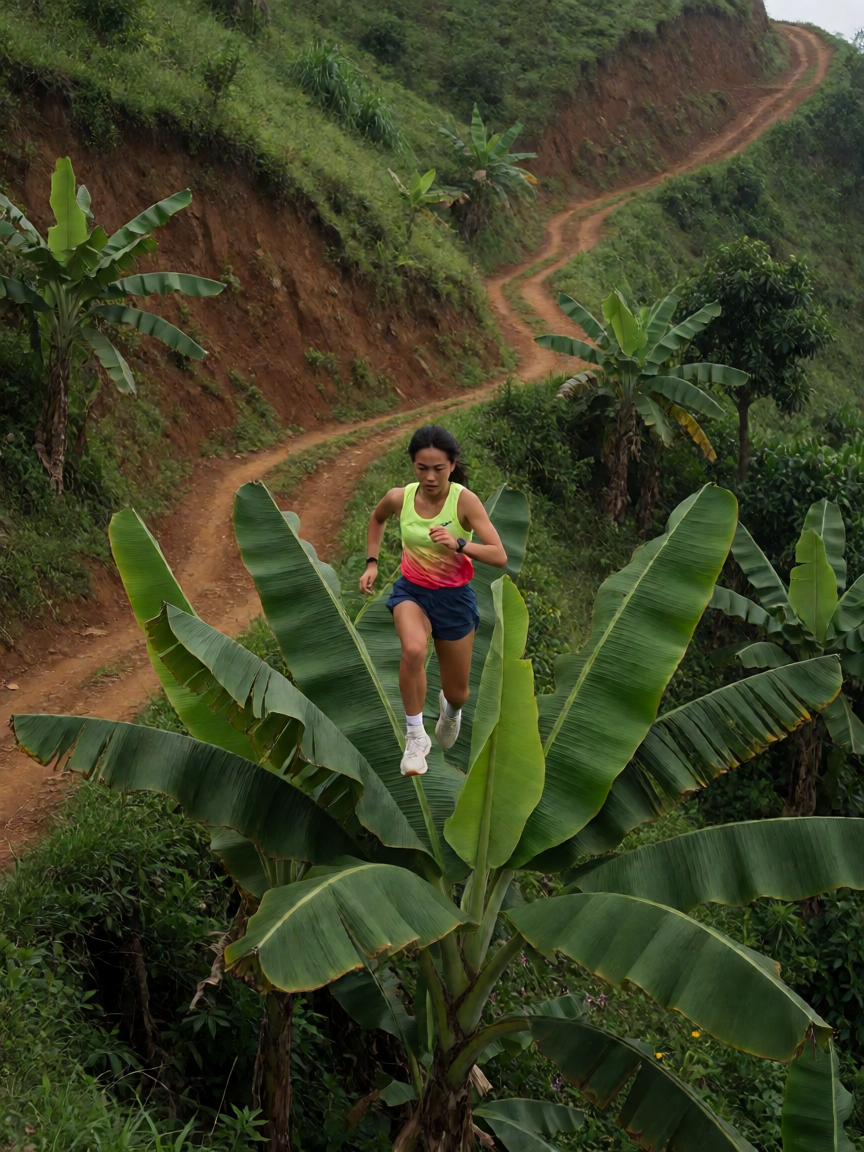
Action
Banana Tree Run
You sprint and leap from banana plant to banana plant on a green hillside, never touching the ground.
1 photo in · video out
Make yours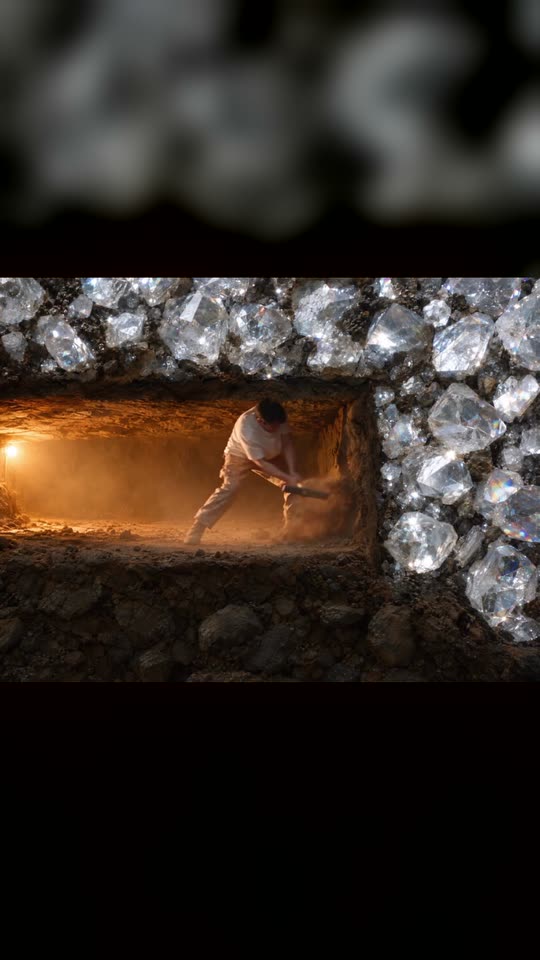
Funny
Diamond Miner Meme
You swing a pickaxe in a dark tunnel, one wall away from a vault of diamonds — then you sit down and doom-scroll instead. The meme about quitting one pick too soon, made from one photo.
1 photo in · video out
Make yoursAnime fight AI prompt
Want to write it yourself? Paste this anime fight AI prompt into a video model with one photo. On EffectClick the templates above already run a scene like this for you.
669 characters
Vertical 9:16 anime-style clip from the uploaded photo.

Use the photo as a strict identity reference. Keep the same face, age, hair, skin tone, and outfit. Draw them in bold 2D cel shading: clean line art, flat color, a thin rim light.

0-2s: a low stance in an ordinary room, eyes locked on the lens, a quiet beat.
2-5s: a roar, the floor cracks, and a blazing golden aura rises around them.
5-8s: they dash forward, motion lines and speed streaks, then land one straight punch toward the camera.
8-10s: a white shockwave fills the frame and fades back to the held pose.

Anime fight energy. Cel shading. No text, no captions, no logos, no watermark, no extra people.
How to make an AI anime video
- Open a template on this page and add one clear photo. Face to the camera works best.
- Press generate. The button shows the credit cost before you pay. You do not write a prompt.
- Download the 9:16 MP4. It plays with sound and has no watermark.
- Label the post as AI when the platform asks. A failed render is refunded.